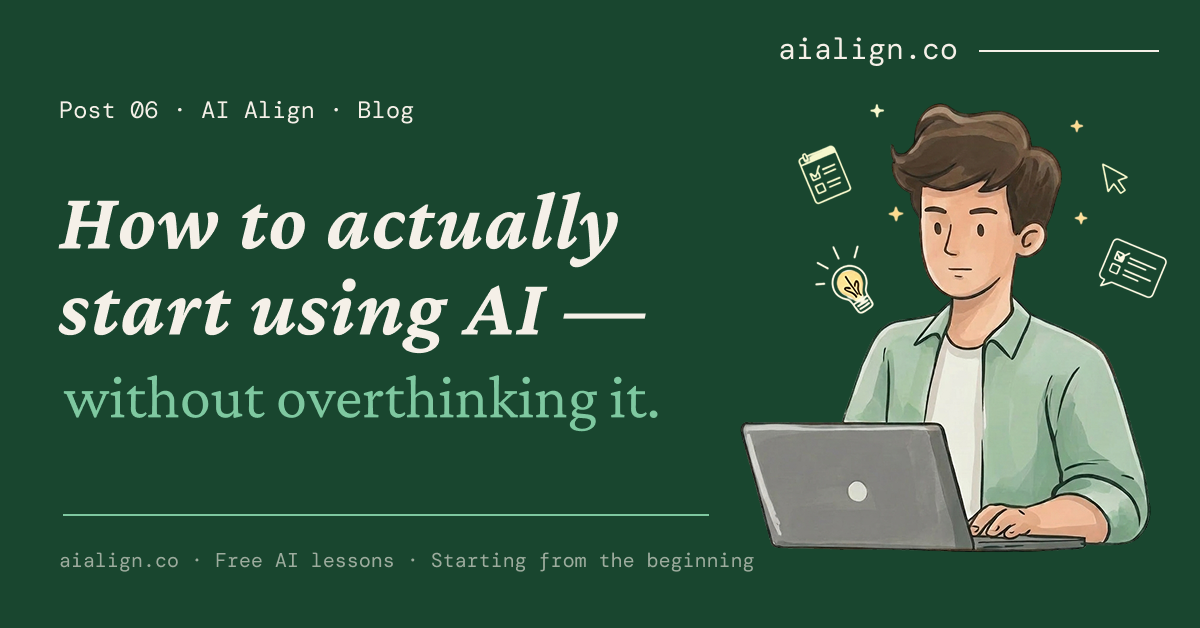
How to actually start using AI — without overthinking it.
TL;DR: You do not need a grand AI strategy. You need one repetitive task you already hate doing and five minutes. Open any free AI tool, tell it exactly what you need, and use the result as a starting point — not a finished product. The hardest part is not learning AI. It is starting.
The real reason most people have not started.
It is not that people do not know AI exists. Everyone knows. It is not that the tools are expensive — every major AI tool has a free version that works without a credit card. And it is not that people are lazy or behind.
It is that the first time you use AI at work or in your studies, it feels like cheating. Like you are skipping something you should be doing yourself. That feeling is real. And it stops more people than any technical barrier ever will.
But think about this: nobody called it cheating when you used Google instead of going to the library. Or a calculator instead of doing maths by hand. Or Google Maps instead of asking three people for directions. Or Excel instead of maintaining a paper ledger. Each one of those felt strange the first time. Each one became invisible within a year.
AI is the next one on that list. The work is still yours — the thinking, the judgment, the decisions. AI just changes where you start.
Forget the grand strategy. Start with what annoys you.
Most people try AI with something ambitious. “Write me a business plan.” “Create a marketing strategy.” And when the result is generic and unhelpful, they decide AI does not work.
That is the wrong place to start. The right place is the task you do every single day that makes you think “I cannot believe I am still doing this manually.”
If you are a student — that might be formatting citations, rewriting messy notes before an exam, or summarising a long chapter you do not have time to read twice. If you are a working professional — it might be the same five reply emails you send every week, writing meeting summaries nobody reads, or reformatting a report from one layout to another. If you run a business — it might be responding to the same customer questions on WhatsApp, writing Instagram captions for the twentieth time this month, or drafting a polite follow-up for an overdue invoice.
Pick one. Just one.
AI tools work the same way. Claude, ChatGPT, Gemini, Meta AI, Copilot, Grok, Perplexity, DeepSeek — each one is built by a different company with a different approach to how AI should work. Some prioritise safety. Some prioritise speed. Some are connected to the live internet. Some are built directly into apps you already use.
None of them is trying to be the same product. They are trying to solve different problems — or the same problem in different ways.
The 5-minute test.
Open any AI tool. ChatGPT, Gemini, Claude, Meta AI — it does not matter which one. They are all free to start. Pick whichever one you already have access to.
Then tell it exactly what you need. Not “help me with my work” — be specific. Give it five lines of context: who you are, what you need, who it is for, what tone, and what format.
Example — what to type
“I run a coaching centre in Coimbatore. Draft a WhatsApp reply for parents asking about our batch timings and fees. Professional but warm. Under 3 lines.”
That takes 10 seconds to type. The reply comes back in another 10 seconds. Read it. Change two words. Send it. Done.
That is the 5-minute test. One task. One AI tool. One attempt. You have started.
Join AiAlign WhatsApp Channel
The 80% draft.
Here is the mental model that makes AI useful every day: AI gives you 80 percent — a structure, a first draft, a starting point that is not a blank page. You bring the last 20 percent — your voice, your judgment, your edits. The parts that make it actually yours.
That 20 percent is where the real value lives. But without the 80 percent, most people stare at a blank document for 45 minutes before writing a single line.
Without AI: open a blank document, stare at it, check your phone, make tea, come back, still blank. Forty-five minutes later — half a page.
With AI: tell it what you need, get a first draft in 30 seconds, spend 10 minutes editing it into your voice. Same result. You just skipped the blank page.
You are not using AI to avoid work. You are using it to get to the part where your work actually begins — the editing, the decisions, the judgment calls that no tool can make for you.
What if the answer is bad?
It will happen. AI will give you a generic, off-topic, or just plain wrong answer. That does not mean AI does not work. It means the conversation is not done yet.
Three moves: be more specific (“that is too generic — I need this for a college assignment, 200 words, simple language”), push back (“that is not what I meant — make the tone conversational, not academic”), or start a new conversation and give the context from scratch.
AI is a conversation, not a vending machine. If the first answer is wrong, you do not walk away. You adjust.
The skill is not the tool. The skill is starting.
You do not need to understand how AI works before you use it. You did not understand how Google’s search algorithm worked before you typed your first query. You did not read a manual before opening Excel for the first time.
Start with one task. The understanding follows. The tools will change — new ones will launch, current ones will update, better ones will replace what exists today. But the skill of knowing how to use AI clearly, verify what it gives you, and stay in charge of your own judgment — that lasts regardless of which tool you are using.
AI does not replace your work. It changes where you start.
New to AI? Start with our free guide — zero jargon, zero assumed knowledge.
Frequently Asked Questions.
How do I start using AI if I have never used it before?
Pick one repetitive task you already do — replying to emails, summarising notes, drafting messages. Open any free AI tool (ChatGPT, Gemini, Claude, or Meta AI). Tell it exactly what you need with five lines of context: who you are, what you need, who it is for, what tone, and what format. Use the result as a starting point and edit it. That is the 5-minute test.
Is using AI at work considered cheating?
No. Using AI is the same as using Google, a calculator, or Excel — it is a tool that changes where you start, not one that replaces your work. The thinking, judgment, and decisions are still yours. AI gives you a starting point. You bring the expertise and the final call.
What should I do if AI gives me a bad answer?
Three options: be more specific about what you need, push back and ask it to try again with different instructions, or start a fresh conversation. AI is a conversation, not a vending machine — if the first answer is wrong, adjust your instructions rather than giving up.
Do I need to learn prompt engineering to use AI?
No. Prompt engineering is a technical skill for advanced users. For everyday use, you just need to give clear instructions — the same way you would brief a colleague. Tell AI who you are, what you need, and what the answer should look like. That is briefing, not engineering.